How is this different from the map chart built into PowerPoint?
The map chart built into Microsoft 365 and Office 2019 or later looks places up through Bing Maps and stops at country level for the UK, so it cannot draw local authority districts, council areas or wards. These maps are ordinary PowerPoint shapes built from the ONS boundary files: nothing is looked up, every level below country is covered, and any area can be recoloured, relabelled or deleted on its own.
What does this district map show?
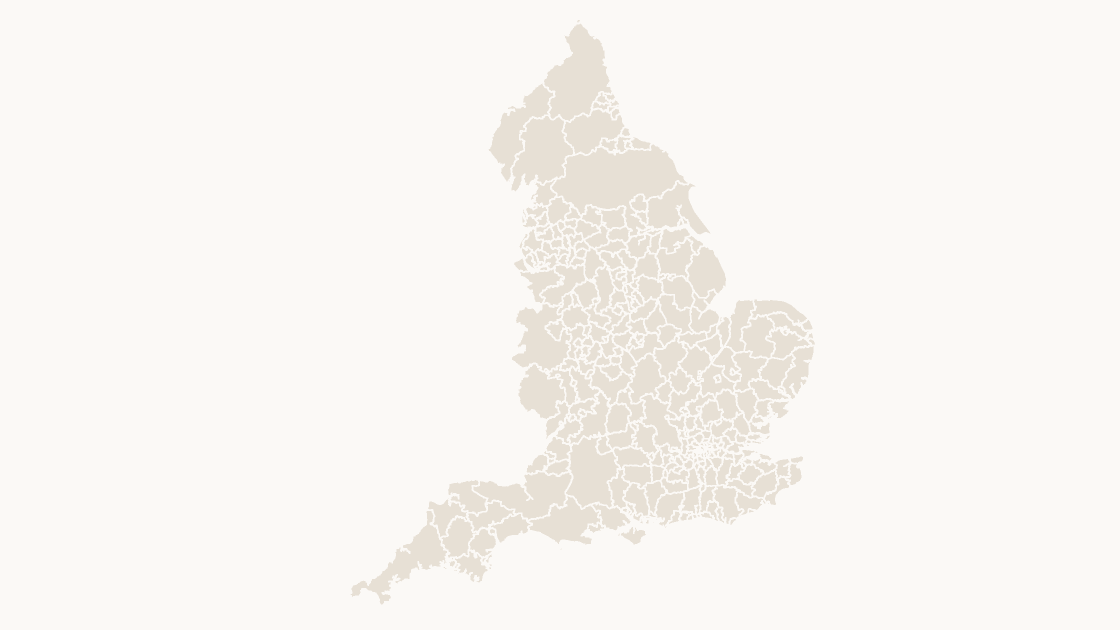
This is the local authority map of England. 296 local authority districts — all in England. Every one is a separate shape that can be filled, labelled or deleted on its own, and the same boundaries are used on the map, the labelled reference slide and the data slide, so nothing shifts between them.
Why are some English areas counties and others unitary authorities?
Because England still runs both arrangements side by side. Where a county council exists, this map draws the county and the district maps go below it; where one council provides every service, that authority is the whole area. The ONS groups them into a single layer so that a map of England has no gaps, and this template keeps the ONS grouping rather than redrawing the country into one kind of area.
Does this cover all of England?
Yes — all 296 areas, with nothing dropped for legibility. The shapes together add up to England, so the map can be placed beside a UK-wide map without adjusting the projection.
What kind of data can I show on this map?
Anything published at district level: council tax bands, housing targets, planning applications, licensing, waste collection. Classify your figures into five bands and recolour by class — the data slide is already a five-step legend you can keep or replace — and the editing guide covers recolouring in bulk, because 296 shapes is more than anyone wants to click through one at a time.
How do I link my own data to the map?
Each shape is named after its area and carries its ONS GSS code, the identifier statistics are published against. The map uses 4 code families — E07 for the 164 non-metropolitan districts, E06 for the 63 unitary authorities, E08 for the 36 metropolitan districts and E09 for the 33 London boroughs. Join on the code rather than on names: authority names repeat across the UK, get respelt by different publishers, and change when councils reorganise, while the code stays with the area.
Which boundary release is this based on?
Office for National Statistics boundaries, May 2026 release, generalised and clipped to the coastline. They are published under the Open Government Licence, which permits commercial use and requires two credit lines wherever the material is reproduced — both are already printed on the source slide of every deck. It reflects the authorities in existence at that date, across every district-level arrangement in the four nations, including those created by the most recent unitary reorganisations.
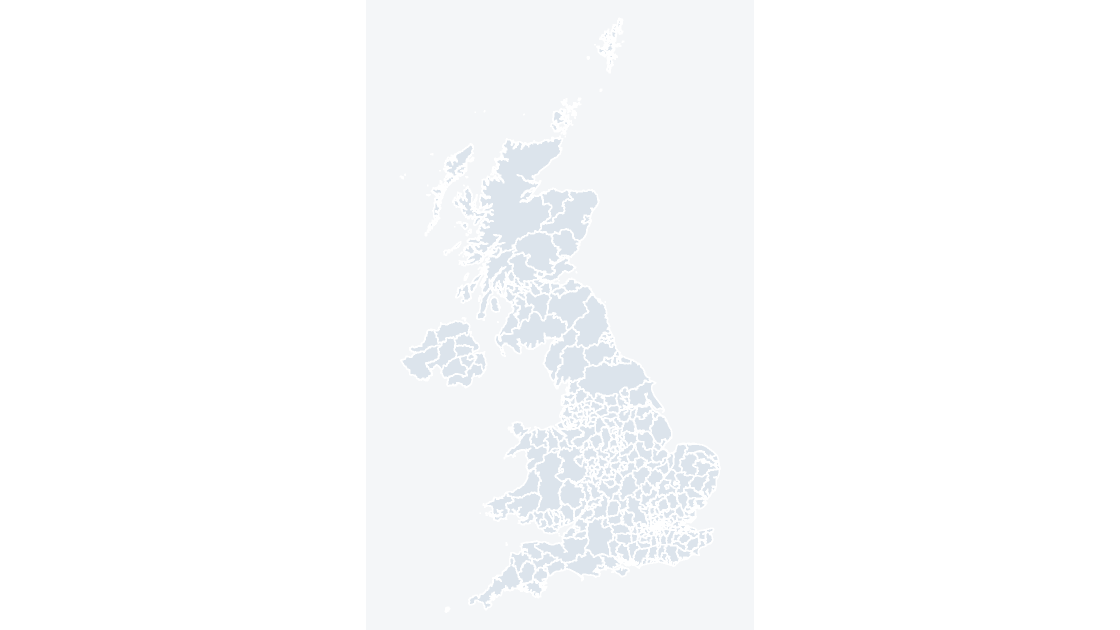
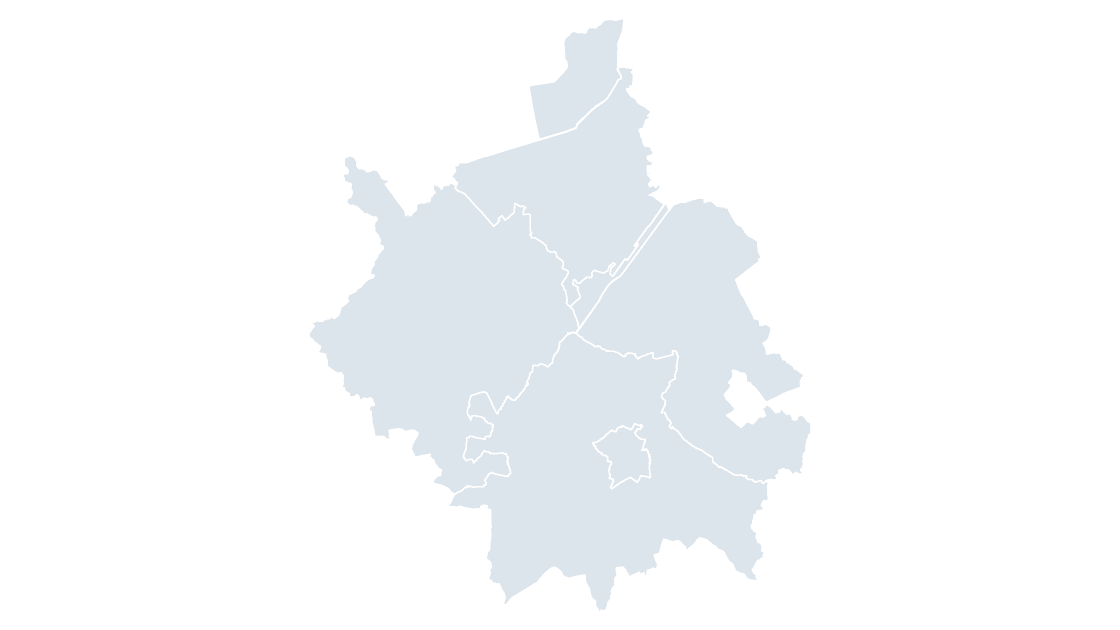
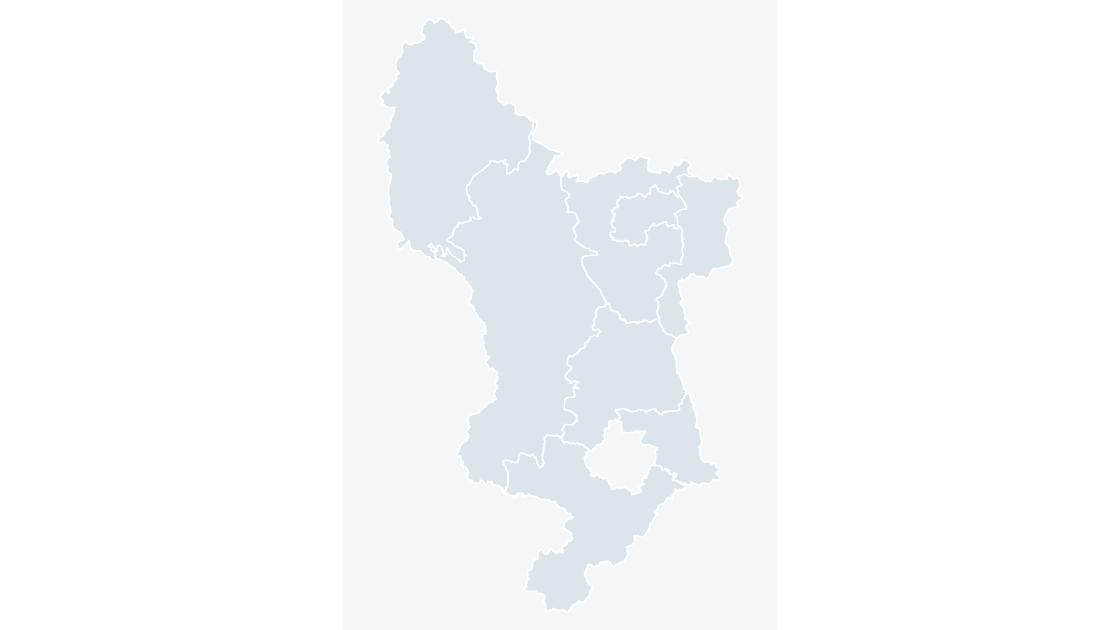
Is there a wider or a more detailed map of this area?
Can these be used commercially?
Yes. The boundaries are published under the Open Government Licence, which permits commercial use, and presentations may be commercial or internal with no limit on their number. The template files themselves may not be resold or redistributed.
Do I need GIS software or a shapefile?
No. The ONS boundary files have already been projected, simplified and converted into native PowerPoint shapes, so there is nothing to install and no file conversion to do. Editing the map is the same as editing any other shape.
Is there a blank version of the map?
There is no separate blank product, because the map slide in every template is already a single flat colour — which is what a blank map usually means. For a fully fillable version, ungroup the map and set every shape to one pale fill with a hairline outline. The labelled reference map is the one that carries the names.
 $19.99
 $19.99
 $19.99