GeoSlides
Market: Spain
Browse templates
Spain/ Templates/Canary Islands Municipalities
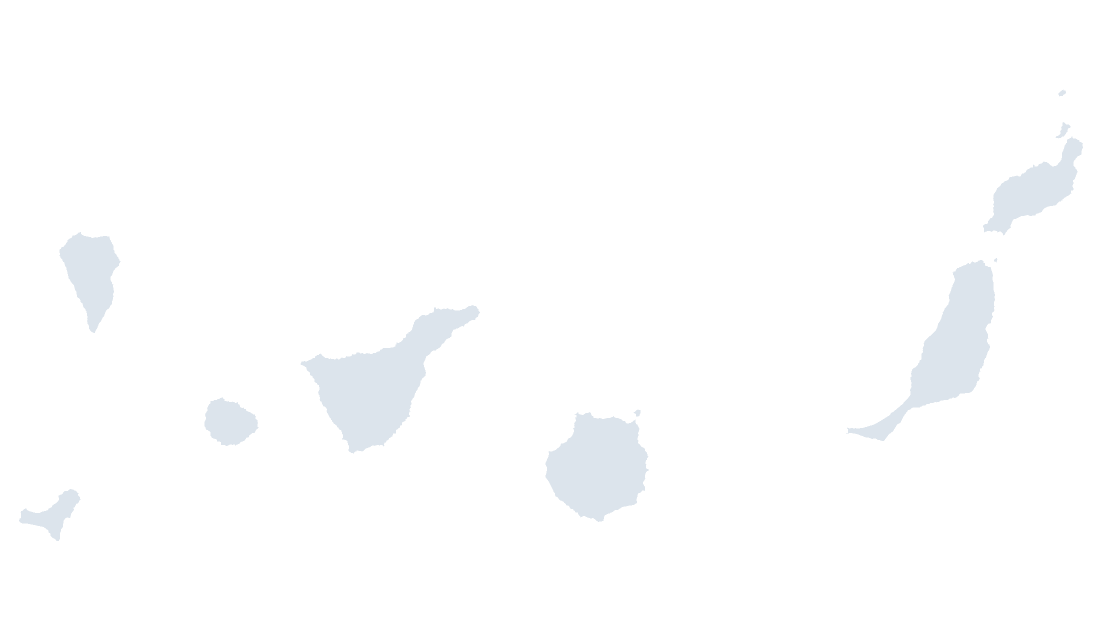
Canary Islands Municipalities map preview in the editorial theme

Preview shows the map slide in Editorial, Mono, Slate

Every template has the same eight slides

  1. Cover — the map's name and theme, on a slide you can put your own title over.
  2. Editing guide — ungroup, recolor, regroup, in three steps and without plugins.
  3. The map — every area at one flat color, the blank starting point for your own shading.
  4. Reference map — all 88 municipalities named, each carrying its national code, so nothing has to be looked up.
  5. Data map — five shaded classes and a legend, ready for your own figures instead of the sample ones.
  6. Spotlight — the largest few by area emphasised and the rest muted, for a single clear point.
  7. Working with the data — a data hand-off table.
  8. Source and license — the boundary release, the publisher and the license, printed on the slide so the deck carries its own provenance.

Centro Nacional de Información Geográfica (CNIG), Instituto Geográfico Nacional. Boundaries registered in the Registro Central de Cartografía.

$19.99 · all three themes Islands

Editable Canary Islands Municipalities Map Template

All 88 municipalities of the Canary Islands — two provinces across seven inhabited islands, 1,000 km from the mainland

How to edit

Download a free sample deck — Spain Autonomous Communities, all three themes, no email and no card.

One-time payment · 3 .pptx files, all themes included · 14 days refund policy · Terms and Privacy

88 municipalitiesGeography
88Editable shapes
8Slides
3Themes
About this template

The 88 municipalities of Canary Islands, two provinces across seven inhabited islands, 1,000 km from the mainland. Drawn at the Atlantic scale, where each island keeps its own identity instead of collapsing into a provincial blob — the two provinces of the Canaries each group islands a buyer thinks of separately, and the Balearic province does the same for Mallorca, Menorca, Ibiza and Formentera.

Typical use: Island-level reporting, tourism and logistics coverage, and any figure a cabildo or consell insular publishes.

Purchase terms

  • $19.99, one-time payment. There is no subscription and no further charge.
  • Immediate delivery. The download link is issued as soon as payment is confirmed. It keeps working, and a fresh one can be fetched at any time from the find-my-download page.
  • 14 days refunds. A refund may be requested within 14 days for any reason, whether or not the file has been downloaded. See the refund policy.
  • Commercial use. Use in any number of presentations, commercial or internal. Resale or redistribution of the file is not permitted.
  • Credit. Order FOM 2807/2015 requires the origin of the data to be acknowledged and the data date stated. Both are already on the source slide of every deck.
  • Payment. Handled by Waffo Pancake as merchant of record, which also collects any applicable tax.
Areas included

88 in total, every one a separate named shape.

The full list is on the reference slide of the file, and in the Selection Pane of any slide that shows the map.

Specification
Price$19.99, one-time payment, no subscription
FormatPowerPoint .pptx, opens natively in Keynote
File size176 KB
Join fieldnational code (the CNIG national code for each area)
Area figuresArea, km², measured from the boundary geometry
Boundary sourceCentro Nacional de Información Geográfica (CNIG), Administrative units, Registro Central de Cartografía
ProjectionAlbers equal-area conic, with an inset for the Canary Islands
CoordinatesWGS84 longitude / latitude
LicenseCommercial use permitted; resale of the files is not
RefundsFull refund within 14 days for any reason, and at any time if the file is defective or not as described
Questions

Canary Islands Municipalities — questions before you buy

How is this different from the map chart built into PowerPoint?
The map chart built into Microsoft 365 looks places up through Bing Maps and stops at country level for Spain, so it cannot draw provinces or municipalities. These maps are ordinary PowerPoint shapes built from the CNIG boundary files: nothing is looked up, every level below country is covered, and any area can be recolored, relabelled or deleted on its own.
What does this municipality map show?
All 88 municipalities as separate shapes — two provinces across seven inhabited islands, 1,000 km from the mainland. Each carries its INE code, and the shapes together add up to the province or island group with no gap and no overlap.
Why are the islands sold as one map?
Because that is how they are reported. A cabildo or a consell insular reports island by island, and the two Canary provinces each group islands a reader thinks of separately — Tenerife and La Palma sit in different provinces. Drawing the archipelago as its own map keeps each island legible at its own scale.
Why are the borders of the level below drawn on the map?
Because they carry the data. The provincial borders run across the map as context lines while the level above is colored, so a figure published per province can be read against the shape being highlighted without a second map. They are lines, not shapes: ungrouping the map never mixes the two levels.
What kind of data can I show on this map?
Anything published at municipality level: tourism arrivals, cabildo and consell budgets, island-level logistics. Classify your figures into five bands and recolor by class — the data slide is already a five-step legend you can keep or replace — and the data hand-off slide lists every national code against its area name, ready to paste your figures next to.
How do I link my own data to the map?
Each shape is named after its area and carries the CNIG national code, the identifier Spanish statistics are published against. The code embeds the INE code — a municipality's five digits begin with its province's two — so the levels nest without a lookup table. Join on the code rather than on names: several provinces reuse municipality names, and the code stays with the area through reorganisations and renamings.
Which boundary release is this based on?
Centro Nacional de Información Geográfica (CNIG) boundaries, inscribed in the Registro Central de Cartografía — the register Royal Decree 1545/2007 requires provincial, autonomous-community and municipal boundary lines to be entered in. Retrieved 20 October 2026. Reused under Order FOM 2807/2015, which permits commercial use and requires the origin of the data to be acknowledged; the credit is already printed on the source slide of every deck.
Is there a wider or a more detailed map of this area?
The Canary Islands Provinces map is the wider view.
Who handles the payment?
Waffo Pancake, as merchant of record, which also collects any applicable tax. The download link is issued as soon as payment is confirmed and keeps working; a fresh one can be fetched at any time from the find-my-download page.
Does it work in Keynote and Google Slides?
Both. The files contain only shapes, solid fills and Arial — no animation, SmartArt, chart or embedded media — so Google Slides imports them without dropping anything and Keynote converts each map into a group of editable shapes.
Can I get a geography that is not listed?
In many cases, yes. The same pipeline produces any level the CNIG publishes, including comarcas, districts and islands sold on their own. Email hello@geoslides.com with the area you need.
Keep exploring

Related Spain templates

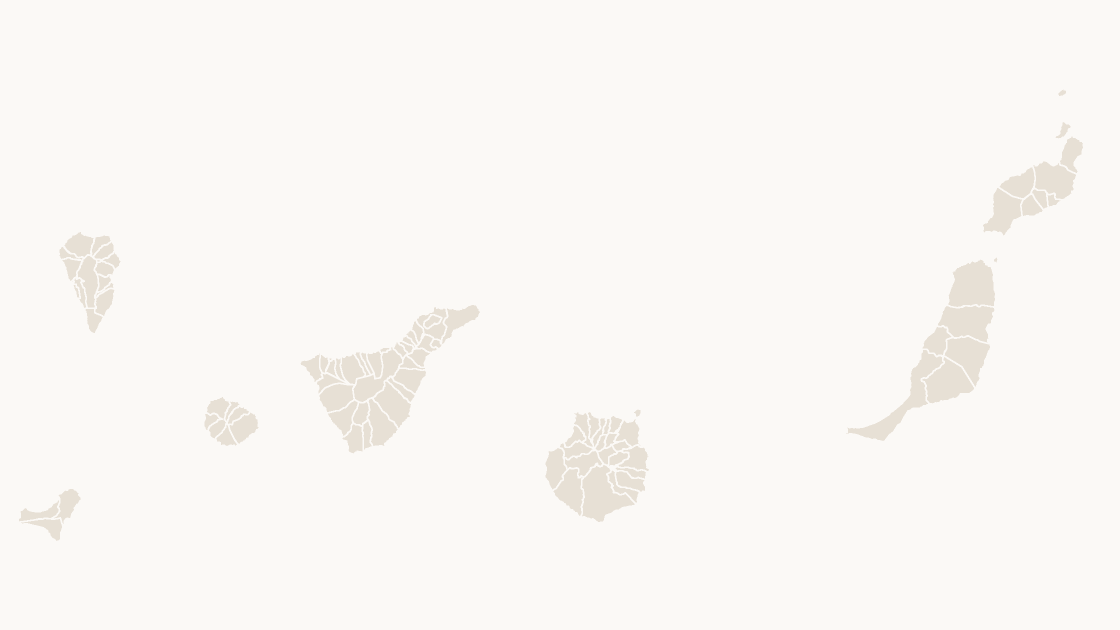
Canary Islands Provinces map preview $19.99
Provinces

Canary Islands Provinces

Canary Islands — two provinces across seven inhabited islands, 1,000 km from the mainland

2 provinces 77 KB
Balearic Islands Municipalities map preview $19.99
Islands

Balearic Islands Municipalities

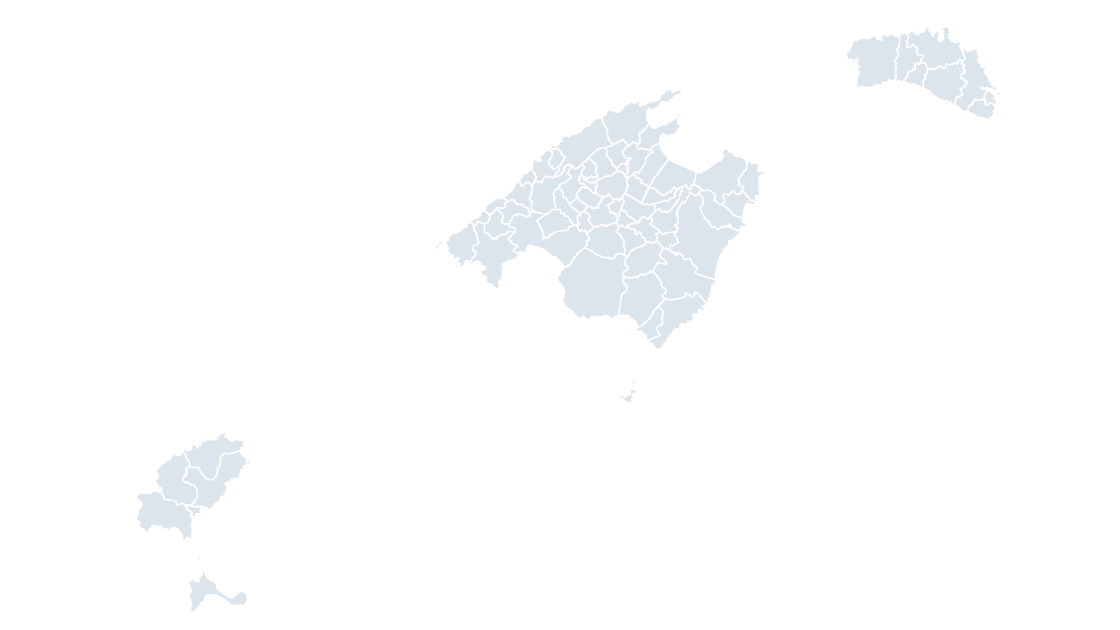
All 67 municipalities of the Balearic Islands — the Balearic archipelago as one province and one community

67 municipalities 250 KB